
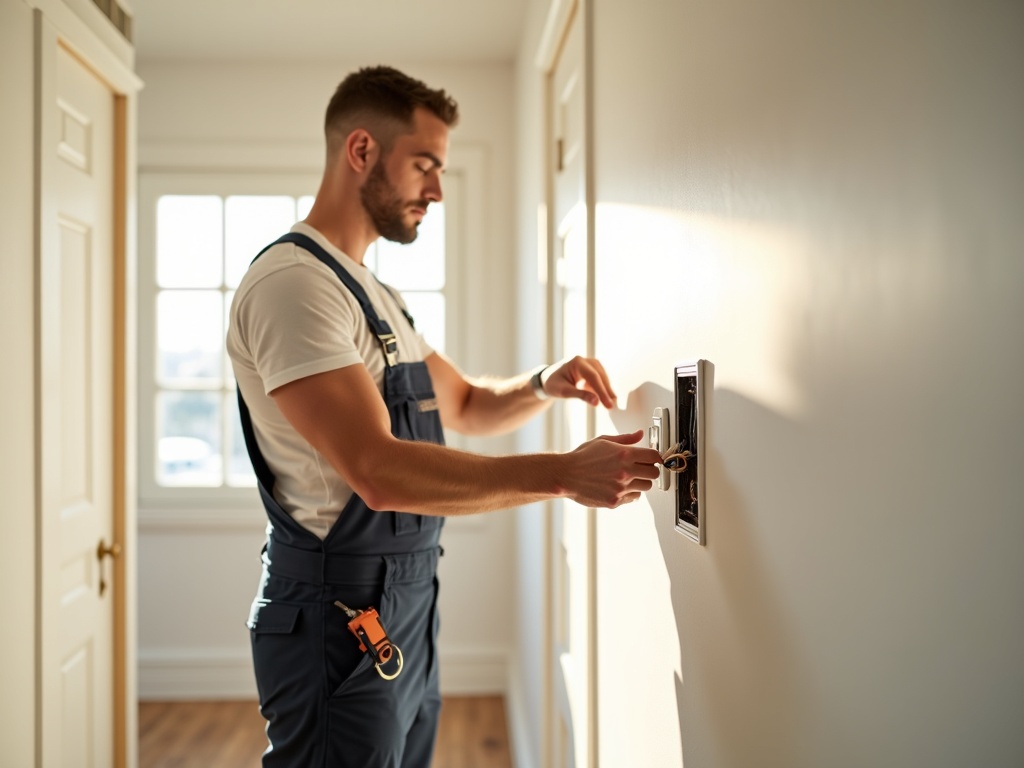
If you’re renovating a home near Old Town Scottsdale or building out a new setup in a North Scottsdale estate, you’ve probably already landed on a smart switch brand — only to realize there’s a whole other decision underneath it: the wireless protocol. Zigbee Smart Switch Installation is one of the most misunderstood parts of a smart home build, and choosing wrong means frustrating workarounds, failed automations, or a rewire you didn’t budget for. Let’s cut through it.
The Three Protocols, Plainly Explained
Every smart switch communicates with your hub, phone, or voice assistant over one of three wireless standards. They are not interchangeable, and your electrician’s wiring decisions interact directly with whichever one you pick.
| Protocol | Needs a Hub? | Range / Mesh? | Best For |
|---|---|---|---|
| Zigbee | Yes (e.g. SmartThings, Hue) | Medium — mesh network | Multi-room automation, large homes |
| Z-Wave | Yes (e.g. Hubitat) | Long — robust mesh | Thick-wall homes, interference-prone areas |
| Wi-Fi | No hub needed | Dependent on router | Simple setups, renters, smaller spaces |
That table is the thirty-second version. Here’s what actually matters when you’re about to have an electrician pull wire.
Zigbee and Z-Wave: What the Wiring Looks Like

Both Zigbee and Z-Wave switches require a neutral wire at the switch box. This is the single most common surprise in Scottsdale, AZ homes built before the mid-2000s — the switch loop was wired without a neutral, and that older method simply won’t support smart switches on either protocol. When we open the box and find a two-wire loop, there are options: run a new wire, use a smart switch that includes a proprietary no-neutral module, or rethink the fixture. None of those are DIY calls in a finished wall.
Zigbee operates at 2.4 GHz and forms a self-healing mesh — each switch relays signal to the next. In a large North Scottsdale home with 20+ switches, that mesh gets strong fast. Z-Wave runs at 908 MHz in the US, which penetrates walls better and sidesteps the congested 2.4 GHz band your Wi-Fi, baby monitors, and microwave all share. For homes with thick CMU block construction (common in older Phoenix-area builds), Z-Wave tends to be more reliable.
The protocol you choose should match the structure of your home first, your ecosystem second — not the other way around.
Wi-Fi Switches: Simpler, But With Real Trade-Offs

Wi-Fi smart switches (Kasa, Shelly, some Lutron models) connect directly to your router — no hub required. For a homeowner in Gilbert or Chandler adding two or three switches, that simplicity is genuinely appealing. But scale matters. At 15–20 Wi-Fi switches, you’re adding meaningful load to your router and risking congestion. Cloud dependency is also real: if the manufacturer’s server goes down or discontinues support, your switches become dumb switches.
From a wiring standpoint, Wi-Fi switches have the same neutral wire requirement as Zigbee and Z-Wave. The electrical rough-in is identical — the protocol difference lives entirely in the device and the hub (or lack of one).
What to Tell Your Electrician Before the Job Starts
- Confirm your hub ecosystem first. If you’re already on Apple HomeKit, Google Home, or Amazon Alexa, check which protocols your hub supports before buying a single switch.
- Ask about neutral wire availability at every switch location — especially in homes built before 2005 in Scottsdale, Mesa, or Tempe.
- Plan for the mesh, not just one room. Zigbee and Z-Wave get stronger with more devices; your electrician should know the full scope so the wiring plan makes sense end to end.
- Budget realistically. Neutral wire runs in finished walls typically add $75–$200 per switch location depending on access. Full smart switch installation across a 4,000 sq ft home can run $1,500–$4,000+ depending on switch count, wall construction, and panel condition.
If your panel is already struggling — an aging 100A service trying to handle a new HVAC, EV charger, and smart home load — that’s a conversation we need to have before wiring a single switch. Our smart home wiring and automation services always start with an honest load assessment. Separately, if you’re adding circuits for a remodel at the same time, our circuit additions and load balancing work runs in parallel so you’re not scheduling two separate visits.
It’s also worth knowing that smart switches are just one piece of a broader low-voltage picture. If you’re hardwiring a video doorbell at the same time, read our breakdown of what hardwiring a smart doorbell actually takes — the wiring surprises are similar.
For the protocol question itself, the US Department of Energy’s Smart Home Systems guide is a solid, vendor-neutral reference if you want to go deeper on interoperability standards before committing to an ecosystem.
Bottom line: Zigbee is excellent for large, multi-room automation in a well-structured mesh. Z-Wave wins in thick-wall or interference-heavy environments. Wi-Fi is the easiest entry point for small installs where cloud dependency doesn’t bother you. But all three share the same wiring requirements — and getting that wiring done right, inspected, and code-compliant is where a licensed electrician earns their fee.
We’ve been doing this work across Scottsdale, AZ and the greater AZ metro for over 20 years. Call FHR Electric at (602) 492-9999 and we’ll walk through your floor plan, your existing panel, and the right protocol for your home — before you buy a single device.

